
Monitoring & AlertsNEW
Monitoring & Alerts Don't Wait for a Problem to Find You
Schedule monitoring for every mailbox — daily or weekly — and get alerted by email the moment placement, authentication or reputation changes.
Available on: All plans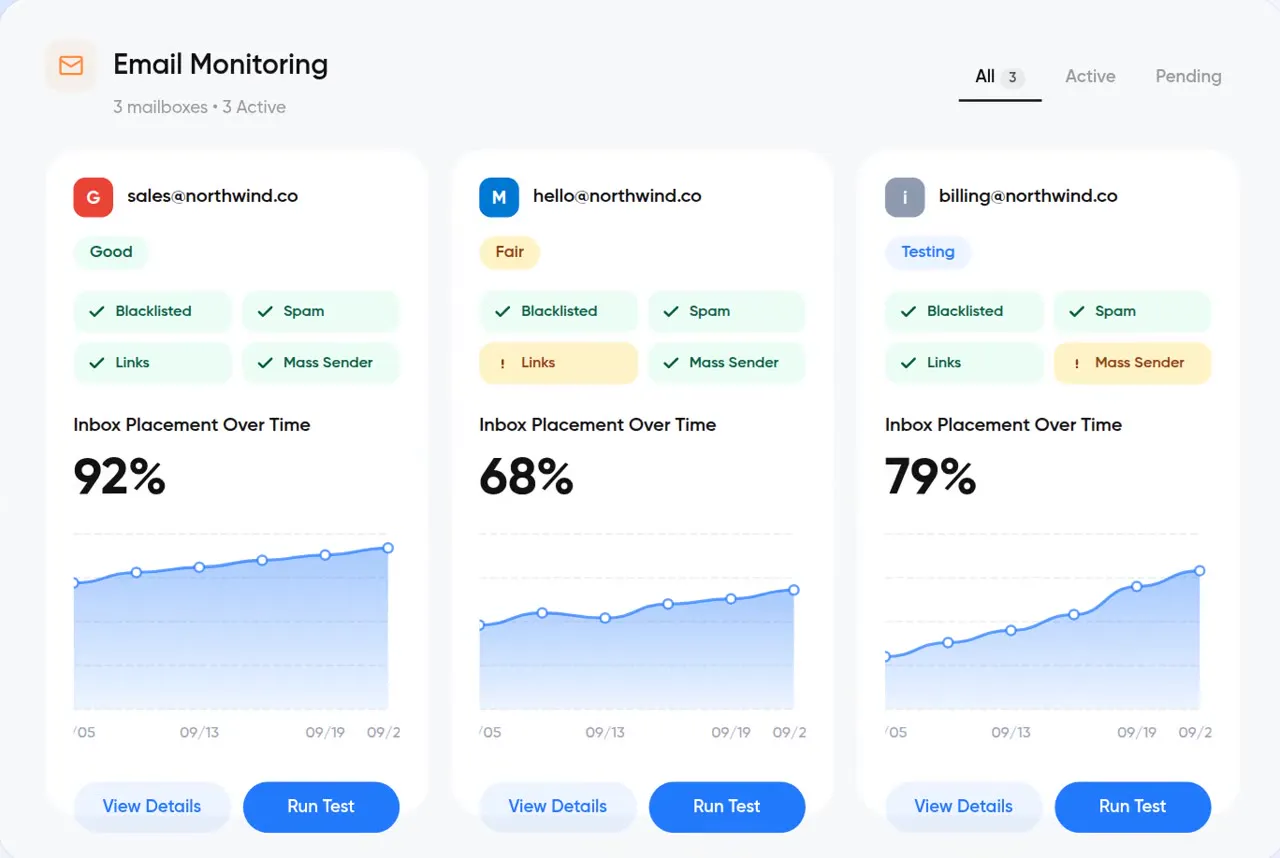
Summary
What is Monitoring & Alerts?
Monitoring runs InboxPlease checks on a schedule for each connected mailbox — daily or weekly — and sends alerts to the monitored mailbox, an additional email address, or neither if you prefer to watch the dashboard.
- Daily or weekly (weekly by default)
- Monitored mailbox, additional email, or dashboard only
- Slack
Set it once
Monitoring, warmup and repair configured from one place per mailbox.
Daily or weekly
Choose the cadence per mailbox — weekly by default, daily when it matters.
Email alerts
Alerts go to the monitored mailbox or any address you add.
Dashboard-only mode
Prefer no email? Monitor from the dashboard instead.
Slack (coming soon)
Alerts in the channel your team already watches.
Works well with
All features →Diagnose
Inbox Placement TestsReal mailboxes at Google, Microsoft, iCloud, Yahoo, AOL and Zoho — see inbox vs. spam for each, live.Protect
Blacklist MonitoringScanned daily across every major security engine. Know the moment you're blacklisted.Diagnose
Domain HealthContinuous SPF, DKIM, DMARC and MX checks with findings, evidence and scan history.Start monitoring
Start a 14-day free trial. No credit card required.